Digital Skills: A Practical Guide to Learning, Using, and Developing Online Skills
Digital skills help people use technology to learn, solve problems, communicate, create digital content, and complete everyday tasks. They include basic computer knowledge, online research, data handling, website development, digital design, and the responsible use of artificial intelligence.
However, having access to digital tools does not automatically mean someone knows how to use them effectively. Developing a digital skill requires practice, problem-solving, feedback, and the ability to apply what has been learned to a real task.
For students, professionals, entrepreneurs, and beginners exploring technology, learning digital skills can open up different ways to study, work, collaborate, and develop useful projects.
This guide explains what digital skills are, how to choose one to learn, how to practise effectively, and how to evaluate your progress. It also includes a practical project and a 30-day learning plan that you can adapt to your needs.
What Are Digital Skills?
Digital skills are the knowledge and abilities people use to work with digital devices, software, online services, and information.
Some digital skills are needed for everyday activities. These include using email, creating documents, searching for information, protecting online accounts, and communicating through digital platforms.
Other skills are more specialized. Examples include programming, graphic design, video editing, data analysis, website development, and digital marketing.
The right skills depend on what you want to accomplish. Someone preparing a school presentation may need document formatting and research skills, while someone developing a website may need HTML, CSS, JavaScript, and an understanding of user experience.
The goal is not to learn every available tool. It is to develop the skills that help you complete useful tasks accurately, safely, and efficiently.
Why Are Digital Skills Important?
Digital skills are useful because technology is involved in many areas of modern life.
1. Learning and education
Students can use digital libraries, educational platforms, word processors, spreadsheets, and online learning tools to research subjects and organize their work.
For example, a student preparing a science presentation might research a topic using reliable sources, record the findings in a document, create a chart from collected data, and present the results using presentation software.
The important skill is not simply knowing which buttons to click. It is being able to find reliable information, organize it clearly, and explain what it means.
2. Communication and collaboration
Email, video meetings, shared documents, and project management tools help people communicate and work together.
Effective digital communication includes writing clear messages, organizing files, respecting other people’s privacy, and understanding when information should not be shared publicly.
3. Problem-solving
Digital tools can help people identify problems, examine information, test solutions, and improve their work.
A spreadsheet, for example, can help a small business organize product prices and calculate expenses. A simple website can help an organization explain its services to visitors.
4. Professional development
Some roles require specialized digital knowledge, while others benefit from general skills such as research, data organization, communication, and digital security.
Developing relevant skills can help people prepare for responsibilities in their chosen field. However, learning a skill does not guarantee employment, clients, or income. Results depend on many factors, including competence, experience, demand, and opportunity.
Types of Digital Skills to Consider
Digital skills can be grouped into several categories.
Basic digital literacy
Digital literacy includes using devices, managing files, working with common applications, searching the internet, and understanding basic online safety.
These skills are a useful starting point for beginners.
Research and information literacy
Research skills involve finding information, checking its reliability, comparing sources, identifying misleading claims, and presenting findings accurately.
A person with good research skills does not automatically trust the first result displayed by a search engine. They examine the source, check important claims, and look for supporting evidence.
Communication and productivity
These skills include writing professional emails, preparing documents, creating presentations, managing calendars, and collaborating on shared files.
They are useful in education, business, administration, and many other settings.
Design and content creation
Digital design and content creation can involve image editing, graphic design, video editing, audio production, presentation design, and publishing.
Developing these skills requires practice with both the software and the principles behind good communication, such as layout, readability, audience needs, and accessibility.
Programming and website development
Programming involves writing instructions that computers can execute. Website development may involve HTML, CSS, JavaScript, and frameworks or content management systems.
Beginners can start with a small project, such as a personal profile page, a calculator, or a simple task list.
The objective should be to understand how the project works, not simply to copy code without understanding it.
Data and spreadsheet skills
Spreadsheets help people organize information, perform calculations, compare results, and create charts.
More advanced data skills may involve databases, data visualization, statistics, and programming.
Digital marketing and online business
Digital marketing skills include understanding an audience, planning useful content, analyzing website performance, communicating with customers, and evaluating marketing results.
These skills should be learned alongside ethical practices, accurate communication, privacy awareness, and realistic expectations about business outcomes.
Artificial intelligence literacy
AI literacy includes understanding what AI tools can do, recognizing their limitations, checking their output, protecting private information, and using them appropriately.
AI can support learning and productivity, but it can also produce inaccurate information. Important facts and calculations should be checked before relying on them.
How to Choose the Right Digital Skill
Beginners often struggle because they try to learn several unrelated skills at once.
A better approach is to choose a skill based on a clear objective.
Use the following five-question framework.
Question 1: What do I want to accomplish?
Choose a specific goal, such as creating a presentation, building a website, editing a video, or organizing information in a spreadsheet.
Question 2: What skill would help me accomplish it?
Identify the main ability needed to complete the task. For example, building a simple website may require HTML, CSS, and basic JavaScript.
Question 3: What resources can I access?
Consider your available time, device, internet access, learning materials, and budget. You can begin many digital skills with free educational resources, although some tools or courses may charge fees.
Question 4: Can I practise by creating something?
Choose a skill that allows you to produce a visible result. A project gives you something concrete to examine and improve.
Question 5: How will I measure progress?
Decide what successful completion looks like before you begin. For a spreadsheet project, success might mean that the totals are correct, the information is organized, and another person can understand the results.
This framework helps you select a manageable learning goal instead of collecting courses without applying what you learn.
How to Learn Digital Skills Step by Step
Step 1: Learn the fundamentals
Start with a beginner-friendly explanation of the skill you selected.
Learn the basic terminology, understand the main tools, and identify the tasks you should be able to complete.
Avoid jumping between too many tutorials. Choose a learning resource that follows a logical sequence and gives you opportunities to practise.
Step 2: Practise one concept at a time
After learning a concept, apply it to a small task.
If you are learning spreadsheets, practise entering data, using formulas, formatting cells, and creating a chart.
If you are learning programming, write small programs and change them to observe how the results differ.
Practice helps reveal gaps that may not be obvious when you are only watching someone else demonstrate a task.
Step 3: Build a small project
A project brings several skills together.
For example, someone learning digital design could create an original event poster. Someone learning web development could create a simple personal portfolio page.
Start with a manageable project and finish it before adding more features.
Step 4: Review mistakes and request feedback
Check your work against clear requirements.
Ask yourself what works, what does not, and what could be improved. If possible, ask a teacher, mentor, colleague, or knowledgeable peer to review the result.
Useful feedback should identify specific problems rather than simply saying that the project is good or bad.
Step 5: Repeat the process with a more challenging task
Once you can complete a basic project independently, try something slightly more difficult.
For example, after creating a static webpage, you could improve its mobile layout or add a simple interactive feature.
Progress comes from gradually applying what you know to more demanding tasks.
Practical Exercise: Build a Personal Digital Skills Portfolio
You can use this exercise to practise several skills and create evidence of your progress.
Goal: Create a small portfolio that demonstrates one skill you are learning.
Step 1: Choose a skill.
Select one area, such as graphic design, spreadsheet analysis, programming, writing, or video editing.
Step 2: Choose a small project.
Examples include:
- Design an original poster for a fictional community event.
- Create a spreadsheet that organizes sample product information and calculates totals.
- Build a simple webpage introducing a fictional organization.
- Produce a short educational video using original explanations and appropriately licensed materials.
- Write a researched guide explaining a topic you understand.
Step 3: Define the requirements.
Write down what the project must include.
For a spreadsheet, requirements might include clear column headings, accurate formulas, readable formatting, and a short explanation of the results.
Step 4: Complete the first version.
Apply what you have learned. If you use tutorials or AI tools, make sure you understand the final work and can explain how it was produced.
Step 5: Test the result.
Check for mistakes, missing information, unclear explanations, and technical problems.
Step 6: Improve the project.
Use your own review and any feedback you receive to make specific improvements.
Step 7: Document your work.
Save the finished project and write a short note explaining its purpose, the tools you used, the challenges you encountered, and what you learned.
Only include work you have permission to share. Do not publish private information or someone else’s work as your own.
A portfolio becomes useful when it demonstrates your actual abilities rather than simply listing skills you hope to learn.
How to Use AI Tools While Learning
AI tools can help explain unfamiliar concepts, generate practice questions, organize notes, and suggest ways to approach a problem.
However, using AI to produce a finished answer is not the same as developing the underlying skill.
Consider someone learning JavaScript.
Instead of asking an AI assistant to build an entire application, the learner could:
- Write a small function independently.
- Ask for an explanation of an unfamiliar concept.
- Request a practice question.
- Test their code and examine any errors.
- Compare possible solutions.
- Modify the code to solve a different problem.
- Explain how the final solution works.
This approach uses AI as a learning aid while preserving independent practice.
AI-generated information should be checked, especially when it involves technical instructions, statistics, legal requirements, prices, or other information where errors could cause problems.
Avoid entering passwords, confidential business information, private customer details, or other sensitive information into AI tools without appropriate authorization and safeguards.
How to Evaluate Your Digital Skills
Completing a course can be useful, but it does not automatically demonstrate that you can apply the skill independently.
Use this practical checklist to evaluate your progress.
Understanding
- Can I explain the basic concepts in my own words?
- Do I understand why the tools or methods work?
Practical ability
- Can I complete a relevant task without copying every step?
- Can I identify and correct common mistakes?
Quality
- Does my work meet the requirements I established?
- Have I checked accuracy, usability, and clarity?
Independence
- Can I adapt what I learned to a slightly different problem?
- Can I explain the choices I made?
Improvement
- Have I used feedback to make the project better?
- Can I identify what I still need to learn?
You do not need to answer yes to every question immediately. The purpose is to identify what to practise next.
A Practical 30-Day Digital Skills Learning Plan
The following plan is an example, not a guarantee that you will master a skill in one month. Adjust it to your starting level, available time, and the complexity of your chosen skill.
Week 1: Choose and learn
Goal: Understand the fundamentals.
- Choose one skill.
- Identify a specific project you want to complete.
- Select a suitable learning resource.
- Study the basic concepts.
- Record unfamiliar terms and questions.
Expected output: A written learning goal and a list of fundamental concepts you understand.
Week 2: Practise
Goal: Apply the fundamentals.
- Complete small exercises.
- Repeat difficult tasks.
- Record mistakes and corrections.
- Ask focused questions when you need help.
- Test your understanding without relying entirely on a tutorial.
Expected output: Several completed practice exercises.
Week 3: Build
Goal: Create a small original project.
- Define the project’s requirements.
- Complete the first version.
- Test its accuracy and usability.
- Identify weaknesses.
- Make improvements.
Expected output: A completed first version of your project.
Week 4: Review and improve
Goal: Evaluate your progress.
- Review the project against your original requirements.
- Ask for constructive feedback where possible.
- Correct remaining problems.
- Document what you learned.
- Choose your next learning goal.
Expected output: An improved project and a short reflection describing your progress.
At the end of the month, you should have evidence of what you practised and what you can do. Your next steps should depend on the quality of your work, not simply the number of days you spent learning.
Common Mistakes When Learning Digital Skills
Trying to learn too many things at once
Switching repeatedly between unrelated skills can make it difficult to practise any one of them deeply.
Choose one main learning goal and add other skills when they become relevant.
Watching tutorials without practising
Watching someone demonstrate a task may create the impression that you understand it. Attempting the task independently reveals what you can actually do.
Use tutorials as guidance, then practise without following every step.
Collecting certificates without applying the knowledge
Certificates can document learning, but practical projects help demonstrate how you apply it.
Where appropriate, combine formal learning with exercises, projects, and feedback.
Depending entirely on AI-generated answers
Accepting AI output without checking it can lead to errors and prevent you from understanding the subject.
Use AI to support learning, verify important information, and make sure you can explain and apply the result independently.
Expecting immediate financial results
Digital skills can support professional development and different types of work, but learning a skill does not guarantee employment, clients, or business income.
Concentrate first on competence, useful projects, reliability, and understanding the needs of the people you want to help.
Where Can You Apply Digital Skills?
Once you can perform a task reliably, consider where that ability may be useful.
Depending on your interests and experience, digital skills may be applied in:
- Education and research
- Administrative and office work
- Website development
- Graphic design and digital media
- Data organization and analysis
- Communication and collaboration
- Content production
- Digital marketing
- Online business operations
The appropriate application depends on the skill, the quality of your work, available opportunities, and any relevant training or professional requirements.
To explore these subjects further, read our guides to digital opportunities, using ChatGPT to develop digital skills, and online business models.
Frequently Asked Questions
What are the most useful digital skills for beginners?
Useful starting points include digital literacy, online research, document creation, spreadsheets, digital communication, online safety, and responsible AI use. The best starting skill depends on your goals and the tasks you want to perform.
Can I learn digital skills for free?
Yes. Many libraries, educational websites, documentation resources, and practice platforms provide free learning materials. Some specialized tools, certificates, and courses charge fees, so check the costs before committing.
How long does it take to learn a digital skill?
The time required depends on the skill, your starting knowledge, the complexity of your goals, and how much you practise. Basic tasks may be learned relatively quickly, while professional-level competence can require sustained practice and experience.
Do I need a certificate to develop digital skills?
Not always. Some employers and professions require specific qualifications, but many practical skills can also be demonstrated through projects, work samples, and relevant experience. Check the requirements of the role or field you are interested in.
Can AI tools help me learn digital skills?
Yes. AI tools can explain concepts, suggest exercises, and help organize learning. However, their answers can be incorrect. Verify important information and practise independently so you understand the skill rather than simply relying on generated answers.
What should I do after learning a digital skill?
Complete a project, test your work, seek useful feedback, and improve the result. Then try a more challenging task or explore how the skill applies to a real problem.
Final Thoughts
Digital skills develop through a combination of learning, practice, feedback, and problem-solving. The most effective starting point is not to master every available tool but to choose a useful skill and apply it to a clear objective.
Begin with one manageable project, establish what a successful result should look like, and practise until you can explain your work and correct common mistakes. Document your progress and use feedback to identify what to learn next.
Over time, completed projects can help you understand your strengths, recognize gaps in your knowledge, and demonstrate your abilities to other people.
Key takeaway: Choose one relevant digital skill, practise it through an original project, evaluate the result, and keep improving. The ability to apply what you learn is more important than simply collecting tools, courses, or certificates.
This section provides an overview of the blog, showcasing a variety of articles, insights, and resources to inform and inspire readers.
-

SEO for Beginners: How to Improve Website Visibility
Search engine optimization (SEO) is the process of improving a website so that search engines…
-
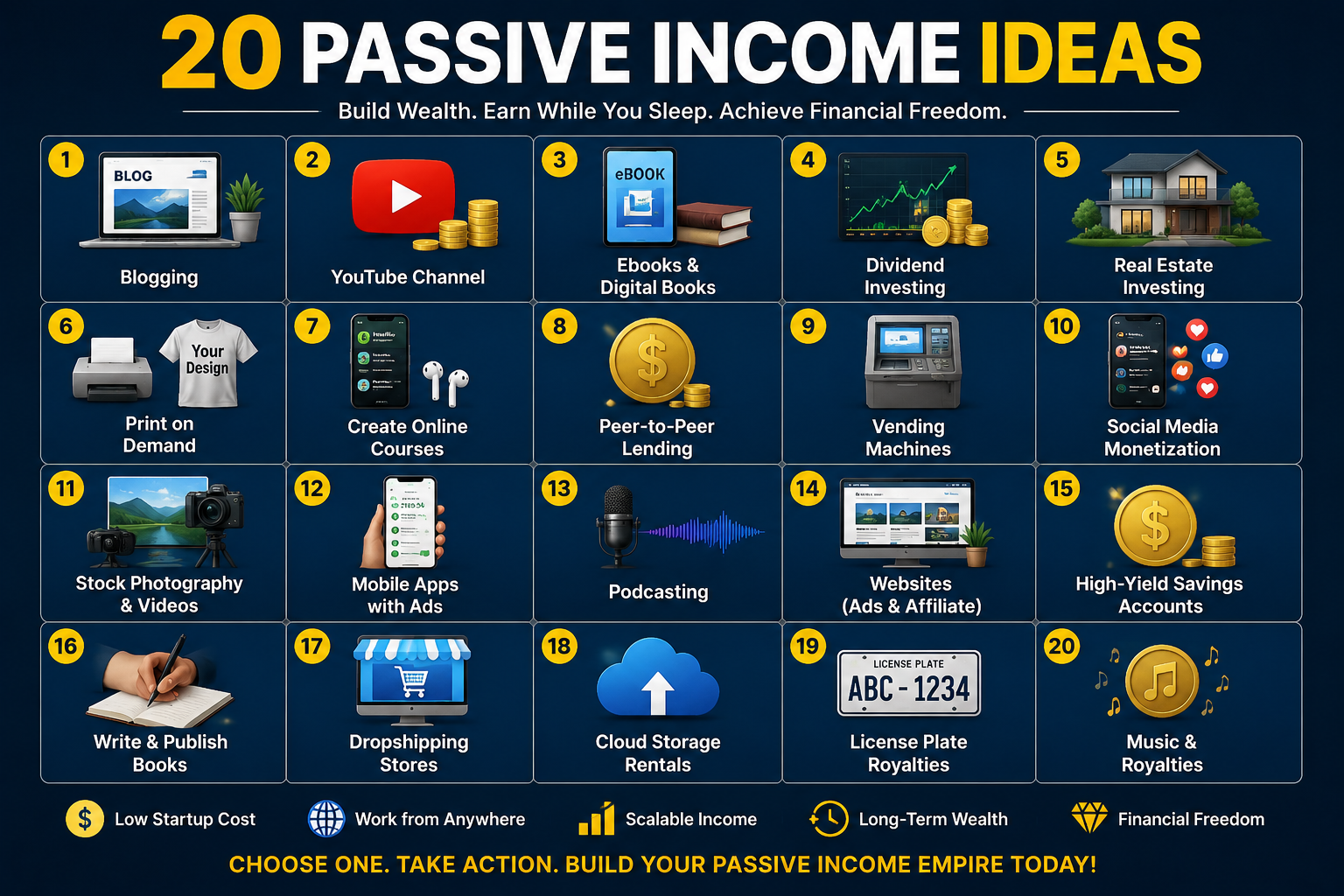
Passive Income Explained: Online Business Models, Realistic Expectations, and How to Get Started
Passive income is often described as money earned with little or no ongoing work. While…
-
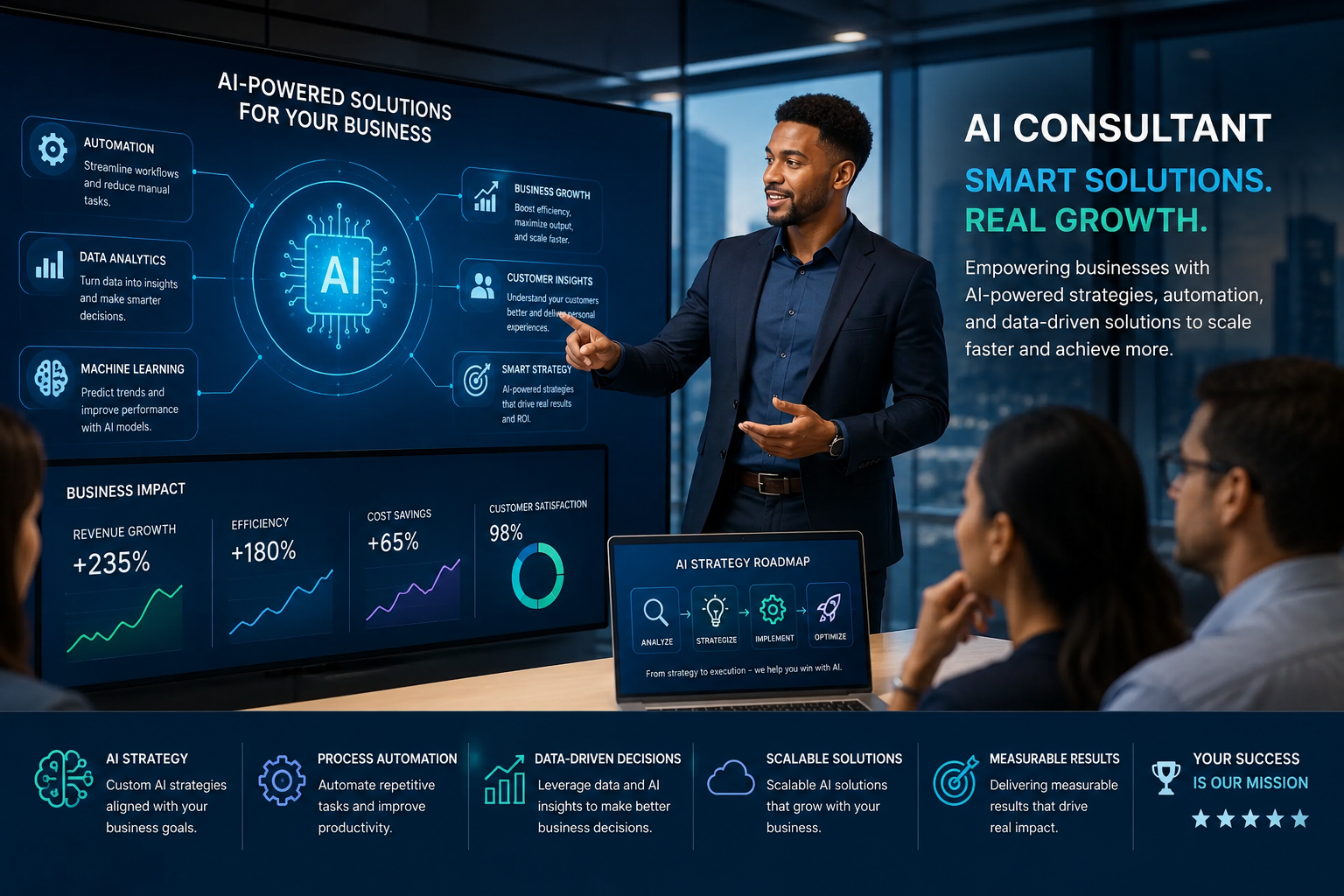
AI Side Hustles: Practical Ways to Use Artificial Intelligence to Build Skills and Services
Artificial intelligence is becoming part of many everyday digital tasks, including writing, research, design, programming,…